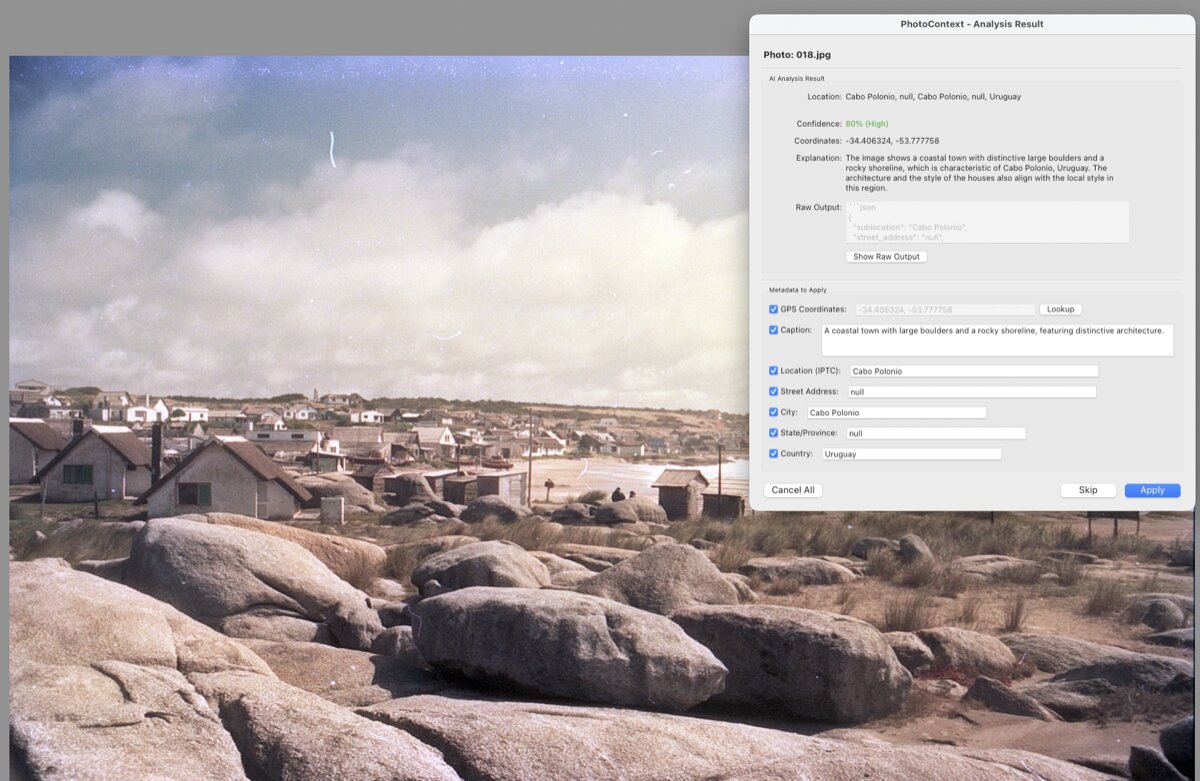
Know where your
photos were taken

AI-powered location detection for Lightroom. Identify landmarks, add GPS, and tag metadata automatically.

Get PhotoContext โ€” โ‚ฌ19 Try Free
Features

Everything you need to tag locations

๐Ÿ”

AI Vision

Recognizes landmarks, signs, architecture, and natural features.

โœ๏ธ

AI Captions

Automatically generates descriptive captions for your photos.

๐Ÿ“

GPS Coordinates

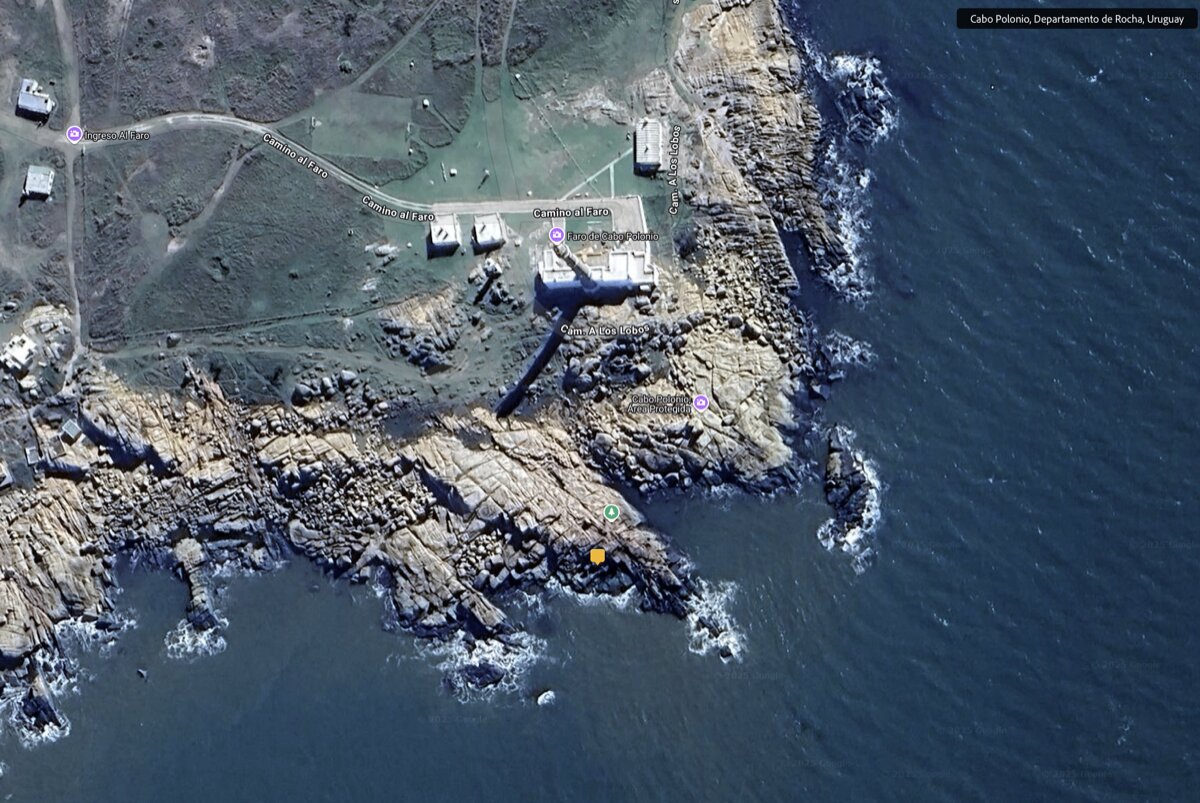
Converts locations to precise coordinates via OpenStreetMap.

๐Ÿท๏ธ

Full Metadata

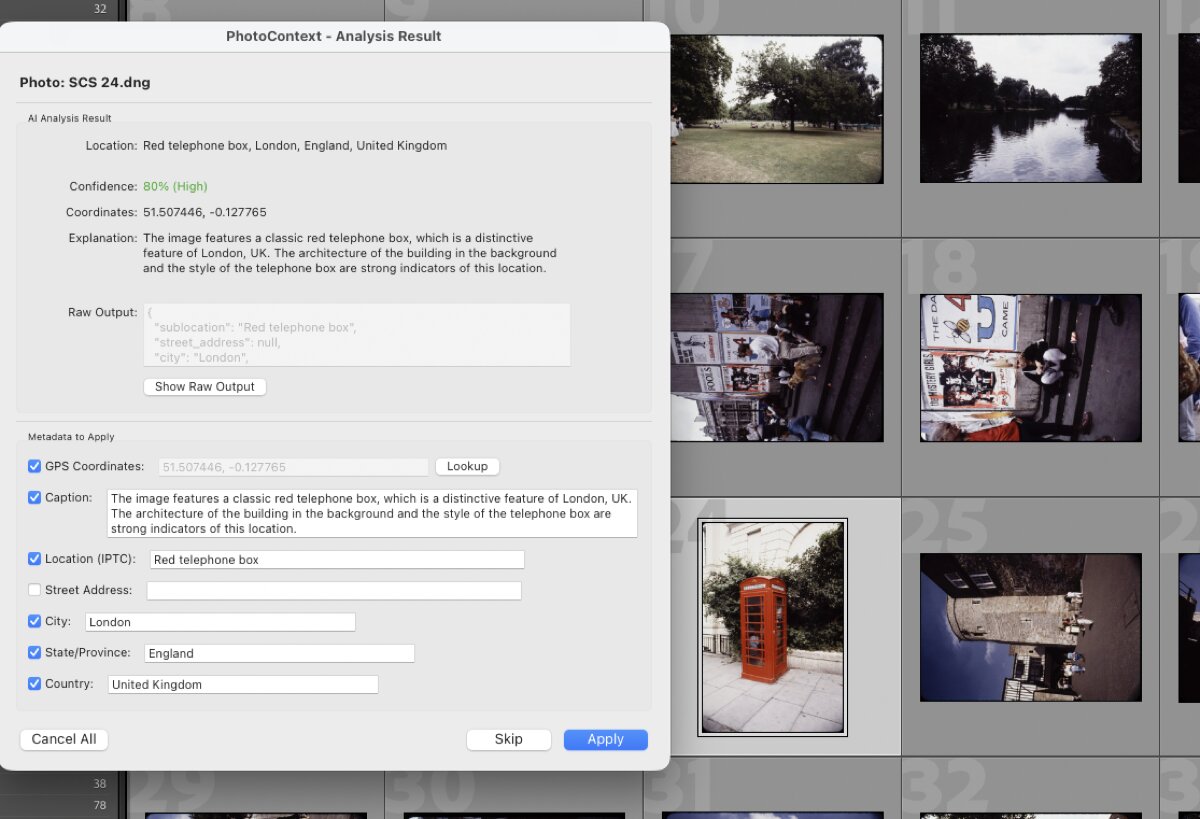
Writes GPS, city, state, country to your IPTC fields.

๐Ÿ“ธ

Batch Processing

Analyze hundreds of photos with progress tracking.

๐Ÿ’ฐ

Affordable

~$0.001 per photo. 1,000 photos for about $1.

Setup Guide

Get started in 5 minutes

1. Install the Plugin

  1. Download LR_PHOTO_CONTEXT.lrplugin.zip
  2. Unzip the file โ€” you'll get a folder called LR_PHOTO_CONTEXT.lrplugin
  3. Move this folder somewhere permanent (e.g., Documents)
  4. In Lightroom, go to File โ†’ Plug-in Manager
  5. Click Add and select the .lrplugin folder
  6. The plugin should now appear as "PhotoContext" with a green dot

2. Get Your OpenRouter API Key

  1. Go to openrouter.ai and create a free account
  2. Click your profile icon โ†’ Keys
  3. Click Create Key, give it a name like "PhotoContext"
  4. Copy the key (starts with sk-or-...)
  5. Back in Lightroom, go to File โ†’ Plug-in Manager โ†’ PhotoContext
  6. Paste your API key and click Test API Connection

Free models available! Or add $5 credit for ~5,000 photos with GPT-4o Mini.

3. Analyze Photos

  1. Select one or more photos in your Library
  2. Go to Library โ†’ Plug-in Extras โ†’ Analyze with PhotoContext
  3. Optionally add a hint (e.g., "Italy vacation 2023")
  4. Review the AI results and click Apply
Pricing

Simple, one-time purchase

Trial

Free
5 photos per session
  • All AI models
  • Full features
  • No credit card
Download

AI analysis costs ~$0.001/photo via OpenRouter (separate)

FAQ

Questions

What AI models work?

GPT-4o, GPT-4o Mini, Claude, Gemini, and free models like Qwen.

How much does analysis cost?

Plugin is โ‚ฌ19 one-time. AI is ~$0.001/photo via OpenRouter, or free with Qwen.

RAW files?

Yes, automatically converted for analysis.

How accurate?

High for landmarks and distinctive places. Generic scenes get region-level.

Stop tagging manually

Let AI handle your photo locations.

Get PhotoContext โ€” โ‚ฌ19